Browse, compare, and test typeface pairings — all from your phone. Built as a university project for FADU, this app makes font discovery fast, intuitive, and beautiful.
Choosing the right font pairing is one of the most time-consuming tasks in design. Designers constantly jump between Google Fonts, type specimen sites, and their design tools just to compare two typefaces. There was no dedicated mobile tool to explore, test, and compare typography pairings on the go.
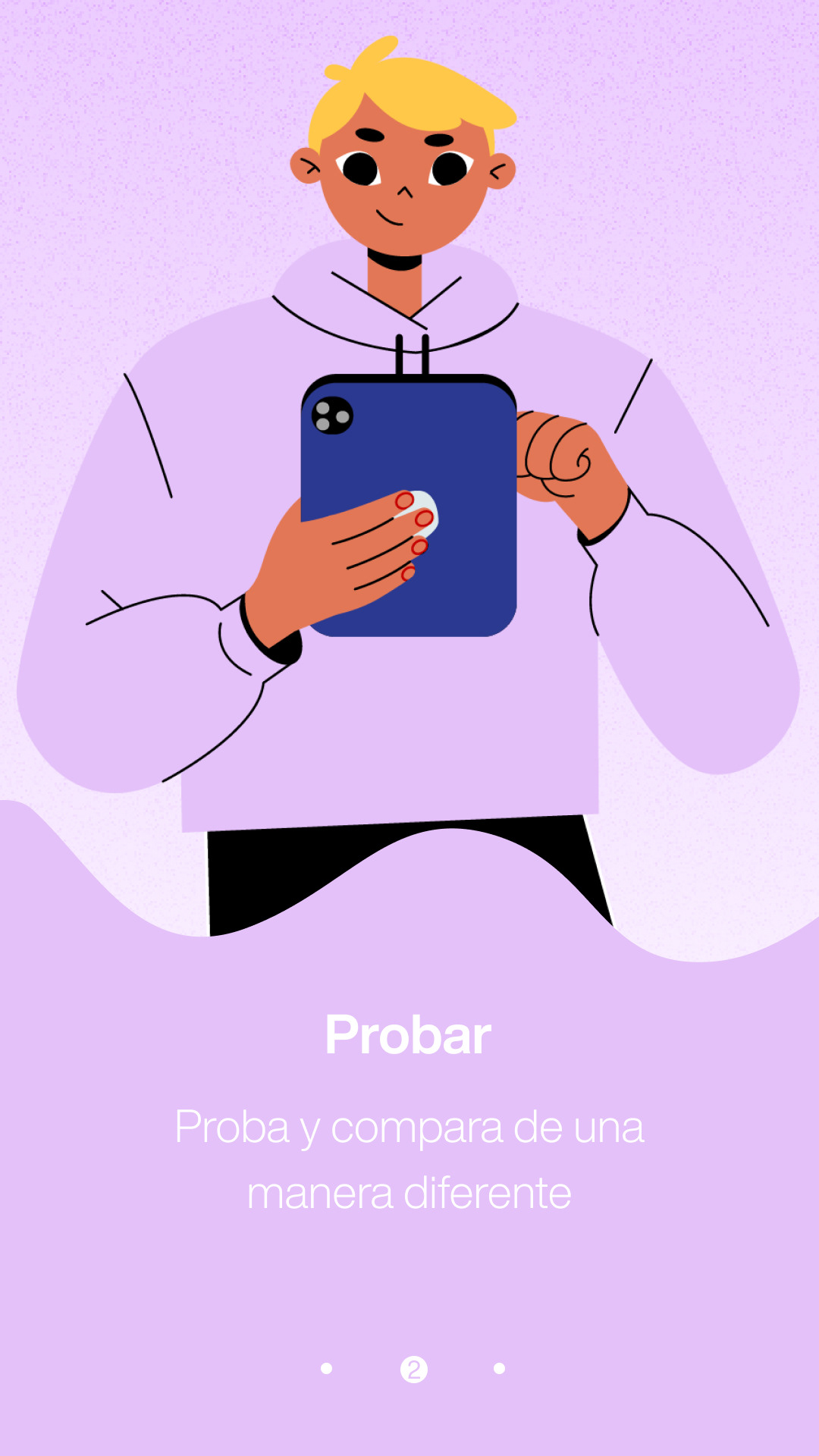
Three illustrated screens welcome users and explain the core value: search, test & compare, and share.
1 · Search
2 · Test & Compare
3 · Download & Share
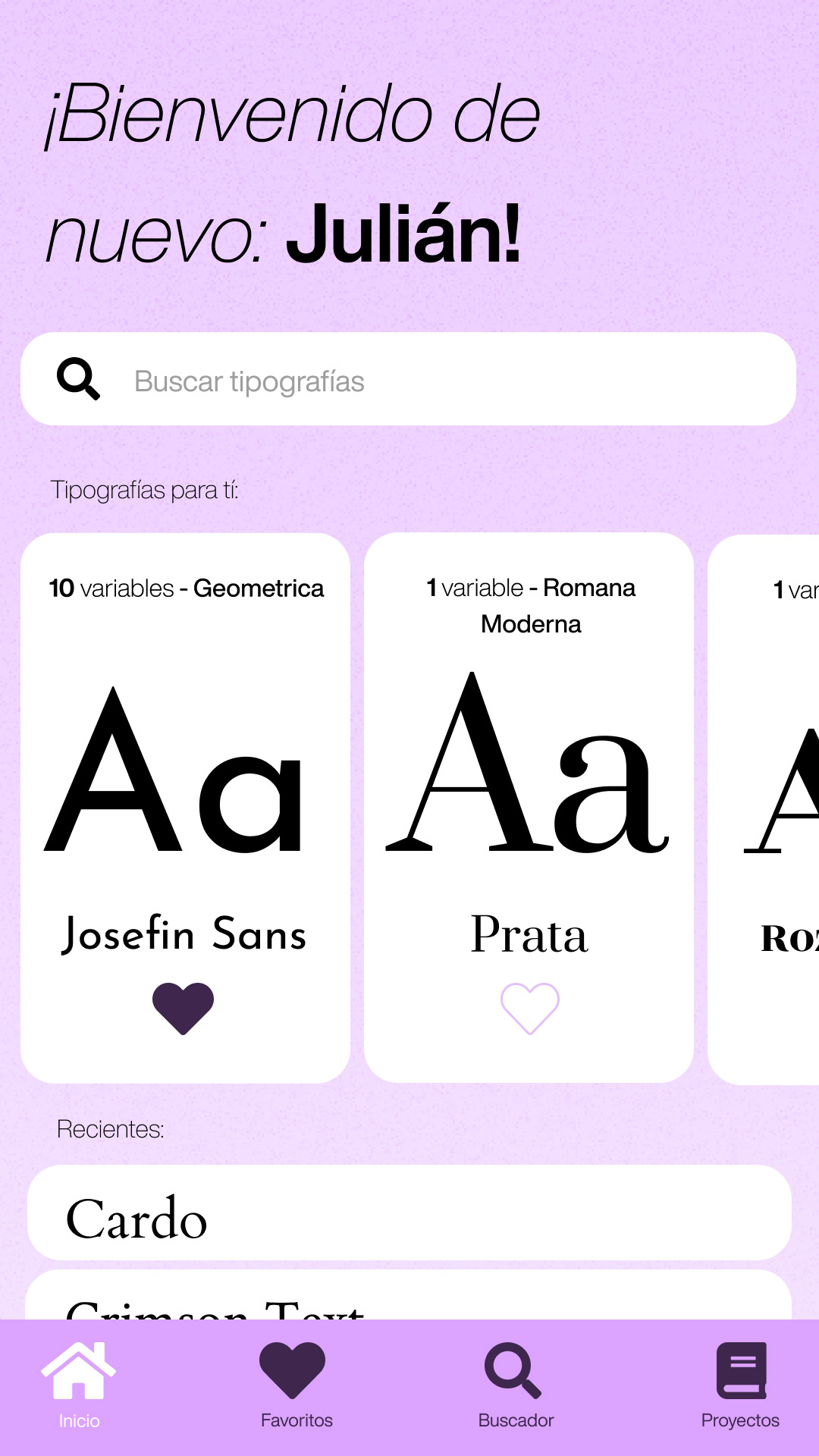
The home screen greets users with personalized font recommendations, a prominent search bar, and quick access to favorites and recent typefaces. Font cards display the family name, classification, and variable count at a glance — making browsing fast and intuitive.
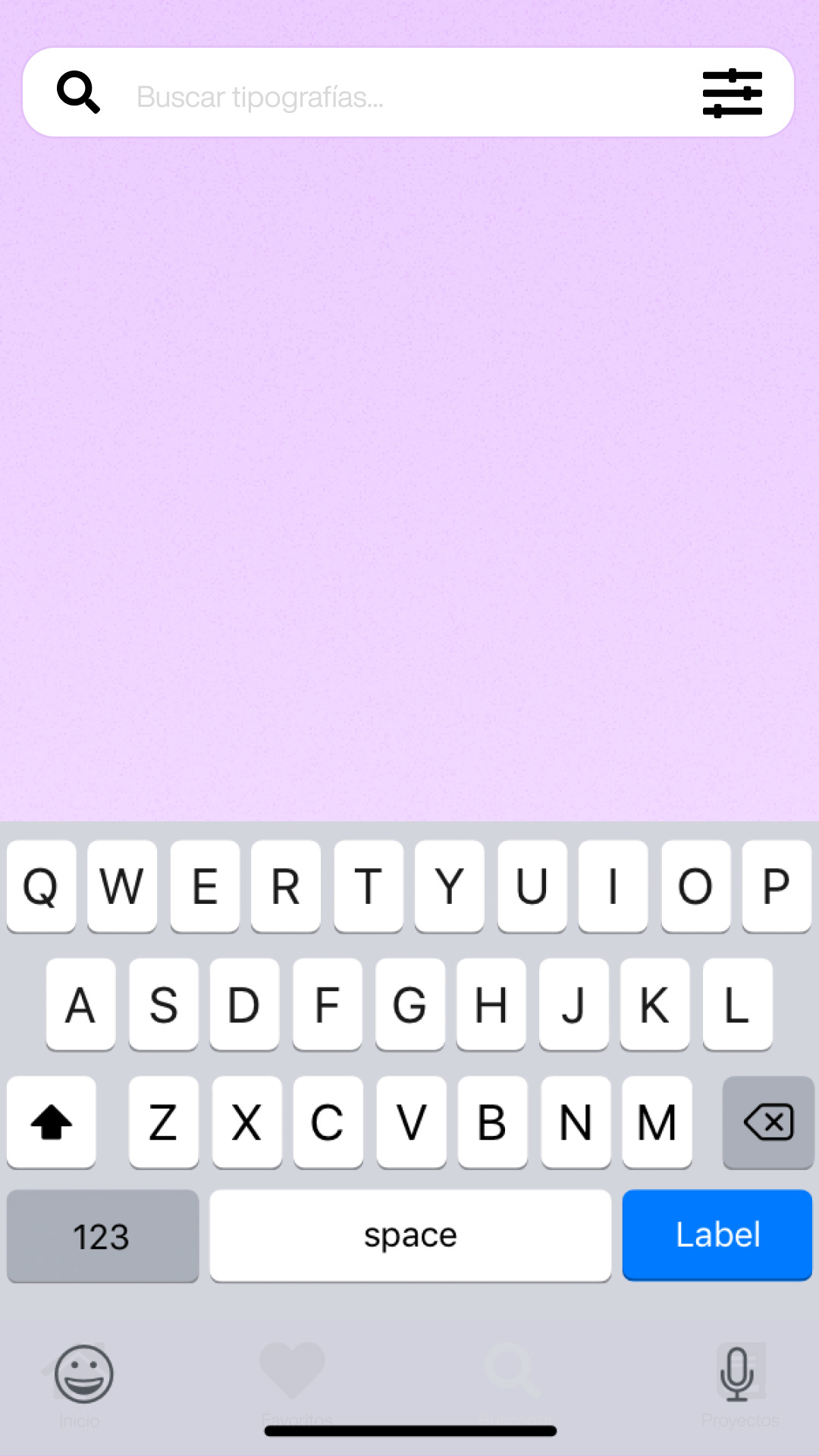
A powerful search engine lets users find any font from the Google Fonts catalog. Results update live with instant preview cards showing the typeface rendered in sample text, making it easy to scan and pick the right font without leaving the app.
Empty Search
Live Results
Favorite a Font
Each font has a dedicated detail page showing all weight variants — from Thin to Bold — with a live character browser. Users can see the designer info, font history, and add the typeface directly to their project.
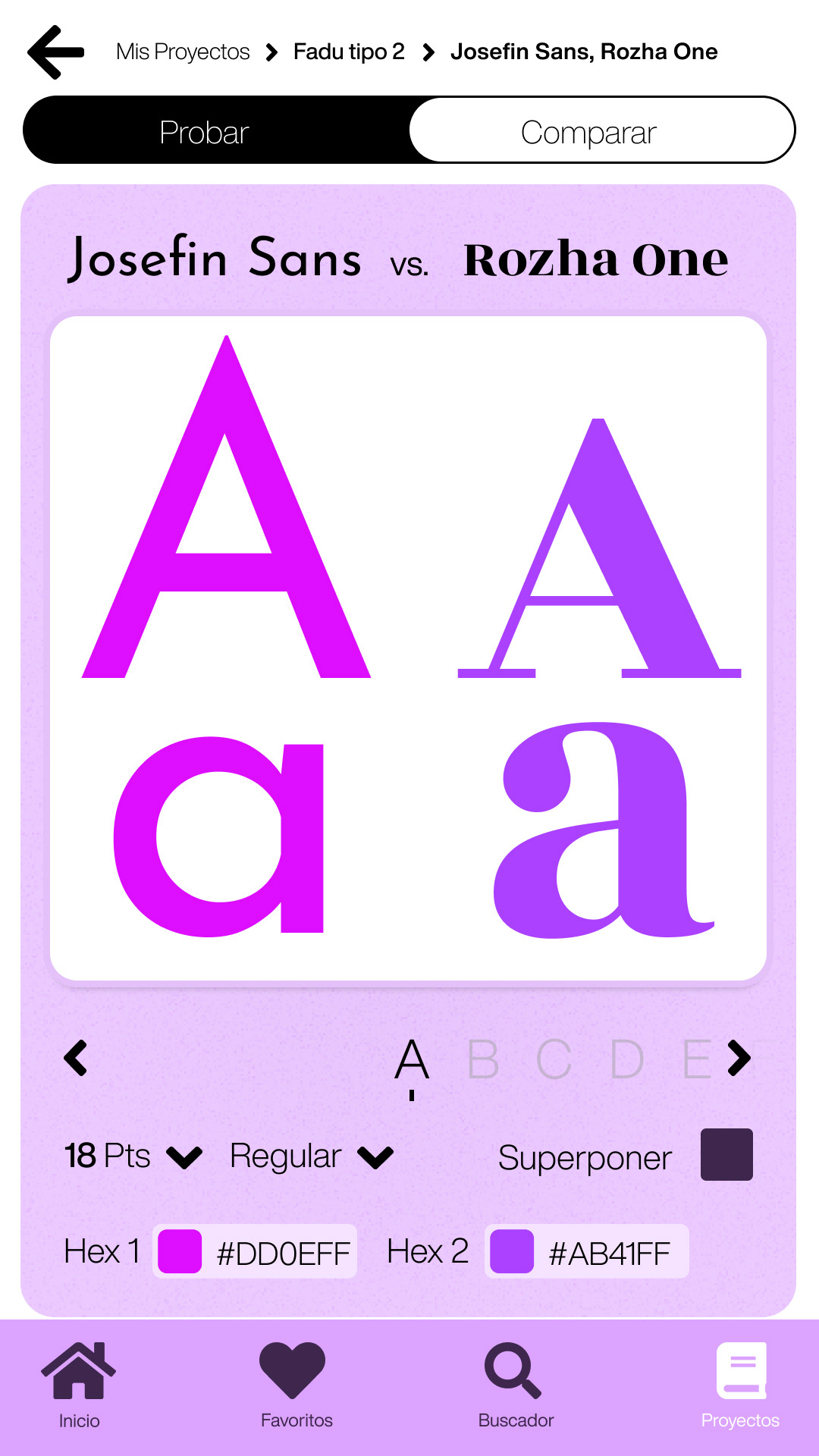
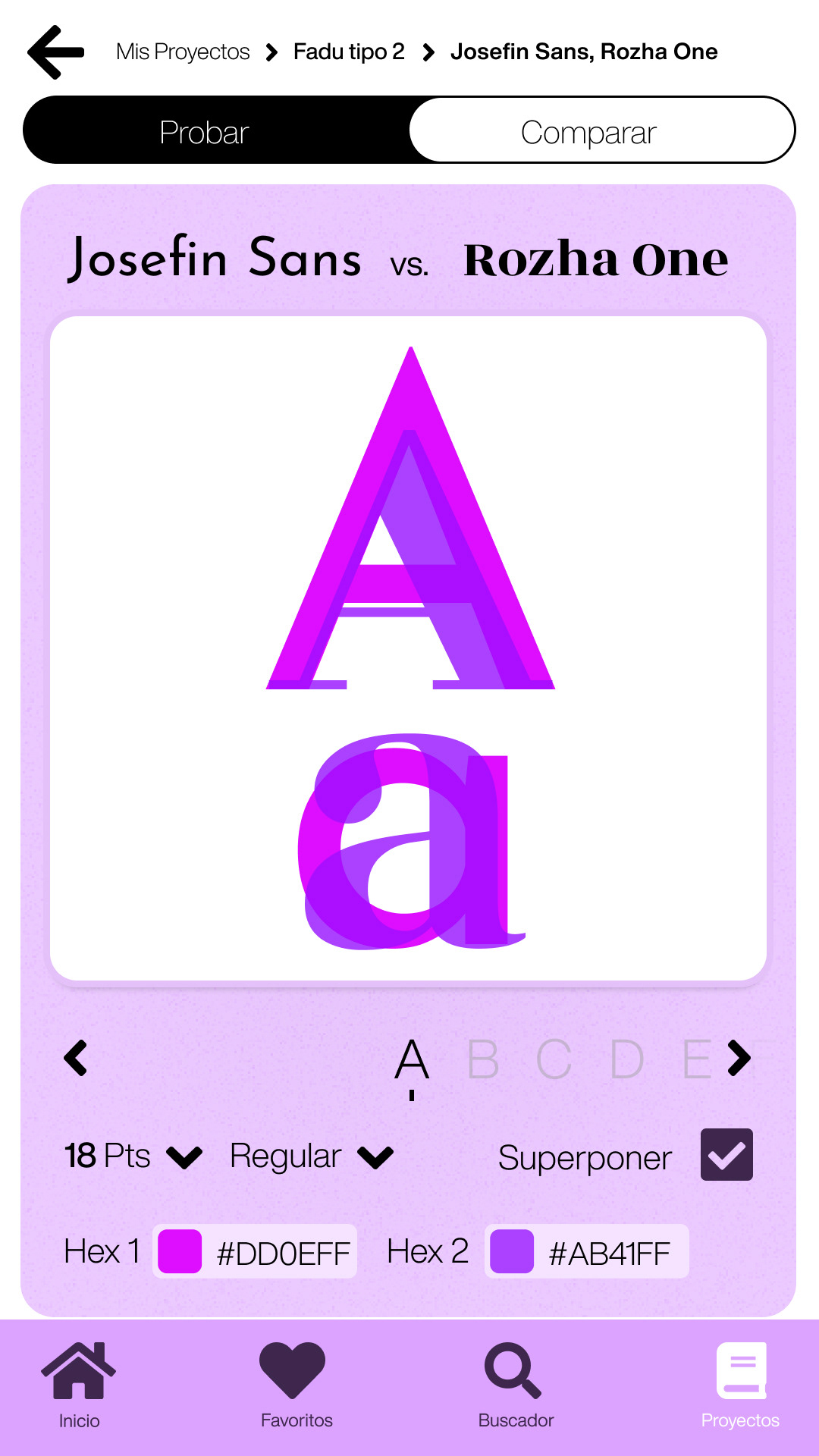
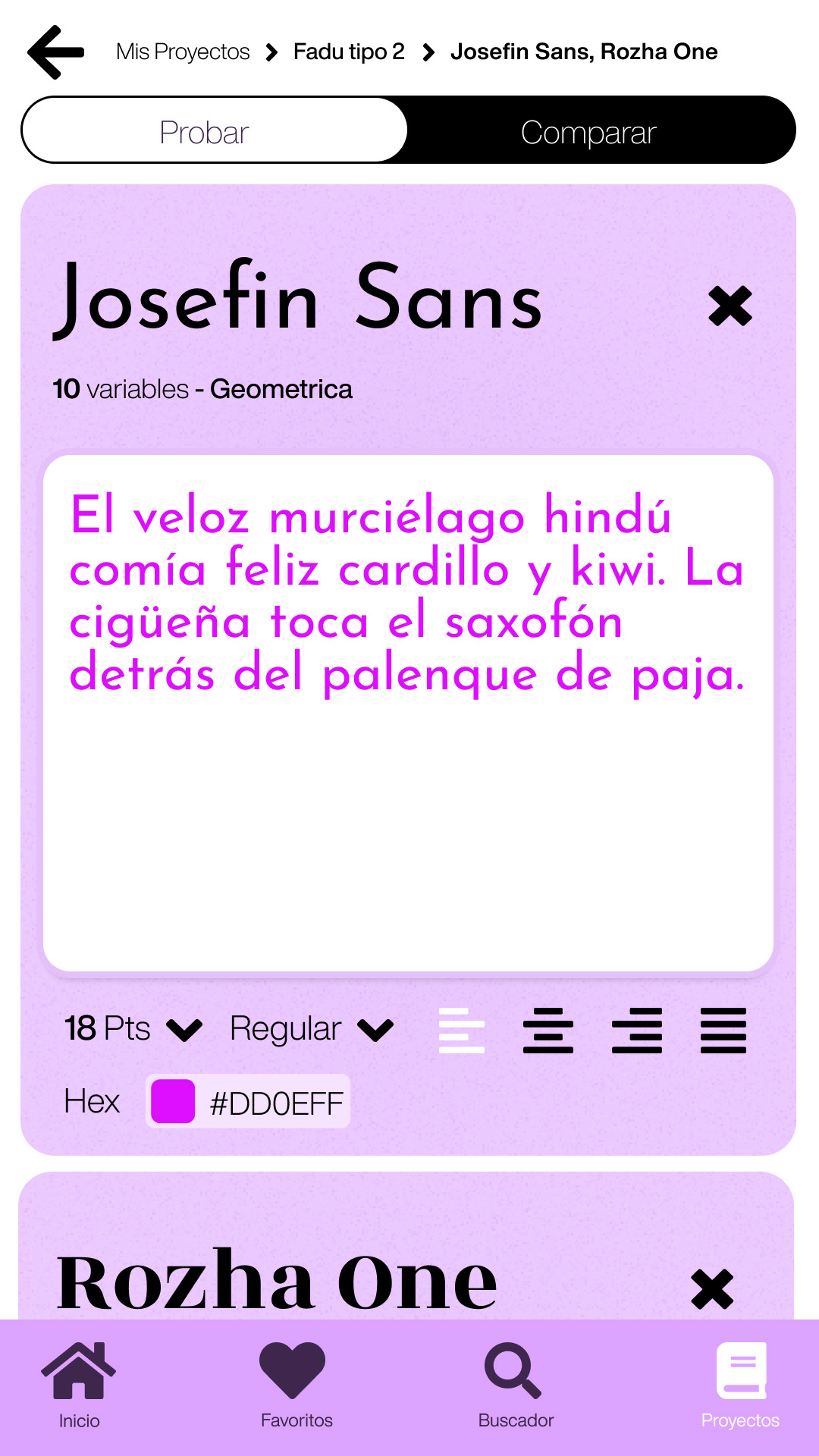
The heart of the app — a side-by-side comparison view that lets users pit two typefaces against each other. Adjust size, weight, alignment, and overlay colors to see exactly how fonts interact. Switch between "Probar" (test) and "Comparar" (compare) modes.
Side by Side
Overlay Mode
Each font can be tested individually with custom text, adjustable point sizes, weight variants, and real-time color customization. A built-in color picker lets designers test fonts against their specific brand palettes.
Live Preview
Color Picker
Full Test View
Organize your typography work with a favorites system and project folders. Save fonts you love, group them into projects, and access your recently viewed typefaces — all from a clean, minimal management interface.
Projects
Save to Project
When the pairing is perfect, share it via email directly from the app. Add a message, hit send, and your typography project is on its way.
Send via Email
Sent Successfully